Notice the repeat
The Friday reset asks one question the others do not: what kept showing up this week and should become a system?
Juno Home Chief of Staff v1.0.0
Juno catches the open loops, prepares the decisions, and stops before anything external happens — so the week doesn't stack up on whoever remembers.
Juno catches the open loops, prepares the decisions, and drafts the boring admin — then stops at the approval line. It never sends, books, buys, files, or contacts anyone without your explicit yes.
After checkout: an instant ZIP download, a first-run setup guide, all 14 skills, and 12 months of updates at the founding price.
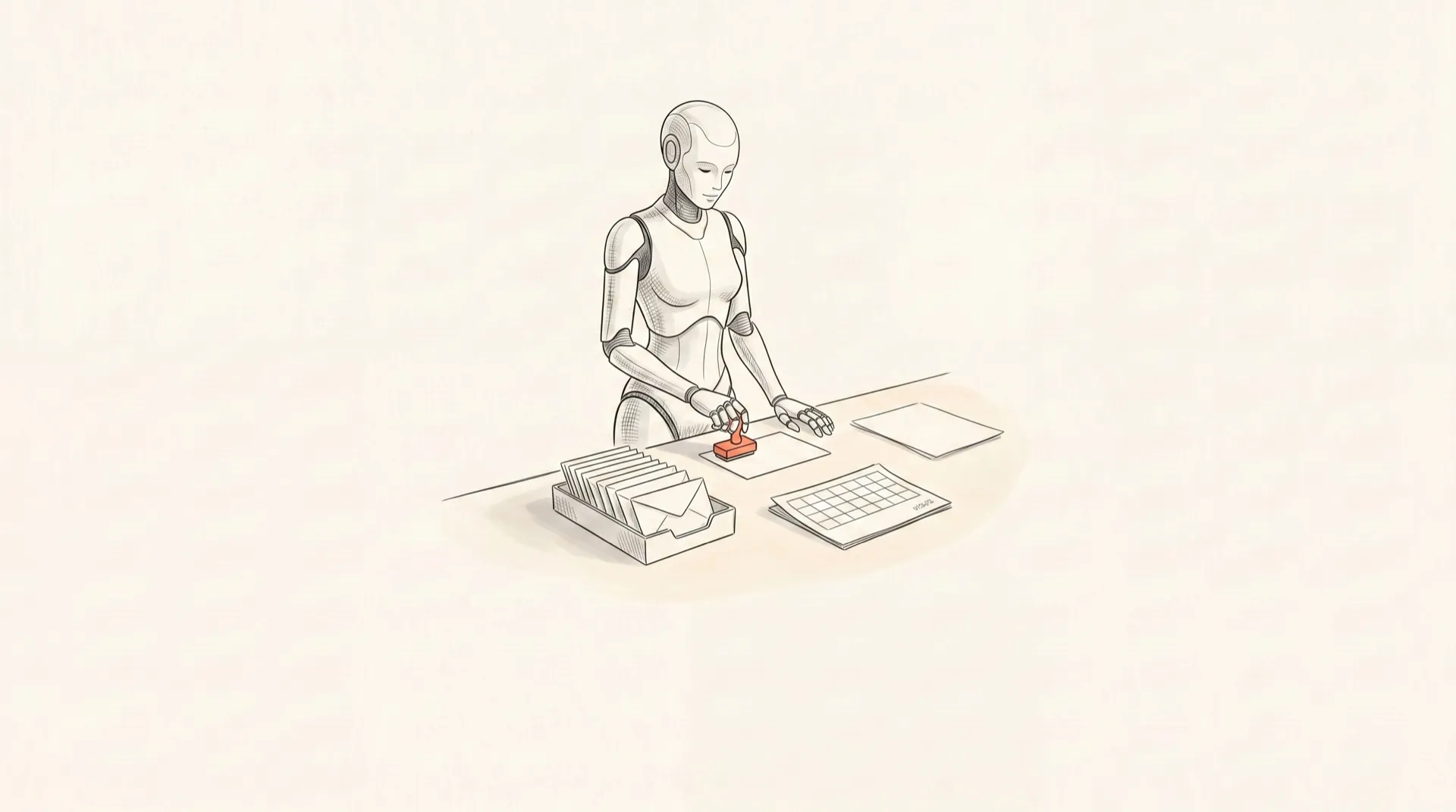
The operating loop
The point is not to automate your family. The point is to make the household admin visible before it becomes a scramble.
Find the loose thread before it turns into a household problem.
Pull the date, owner, deadline, cost, risk, and missing context into one place.
Draft the email, packet, list, form notes, or decision brief.
Give you the next best move instead of another vague reminder.
Stop at the approval boundary before anything external happens.
If you are the one who remembers
You have a shared calendar. Reminders. A family app or two. Email rules. Maybe a whiteboard on the fridge. And still, one person is the one who notices the camp form, connects the date to the appointment, remembers the receipt, and feels the grocery gap at 5:30.
The tools were never the problem. Going to them was. An app only helps if you remember to open it — and that remembering is the exact load you are trying to put down.
Still living in your head right now
Juno lives where the work already happens and watches for the loop before it lands.
Receipts from my house
Juno started in my own house, the week our gas got shut off — not because we could not pay, but because an autopay quietly failed and the detail lived in the wrong place.
That is not magic. It is the household database finally living somewhere other than my head.
What Juno did in one real week
Monday
Scanned 29 calendar events across our accounts and surfaced the three that actually needed a decision that day.
Tuesday
Ran an open-loop pass and flagged a utility drifting toward the same failed-autopay pattern that took our gas out. Staged the escalation packet. Waited for my yes.
Wednesday
Calculated the exact 24-hour check-in window for two flights and scheduled the reminders. Did not check us in. Did not change seats. Did not buy anything.
What Juno hands back
Juno does not vaguely "help with life." It turns household inputs into briefs, packets, drafts, trackers, and next actions. Here is a real daily brief.
Daily brief example
Calendar risk
School pickup overlaps with a 3:00 call. Decide who leaves by 2:35.
Admin item
Camp medical form is due Friday. Juno has the packet ready for review.
Meal note
Tuesday dinner has no protein assigned. Grocery gap: eggs, chicken, yogurt.
Waiting on
Pediatrician portal message from Monday has not been answered.
Next action
Approve the school form draft or tell Juno what to change.
The daily-driver core
Not a chip cloud. Four moves — catch the loop, prepare the work, run the rhythm, and improve the system over time.
Notice the loop before it lands on someone.
inbox-triage
Reads email and pulls out the date, the ask, and what needs a human — without treating your inbox as a command channel.
inbox-safety
Flags scams, surprise account emails, and anything fishing for credentials or family details.
open-loop-tracker
Turns every loose end into owner, status, deadline, and next action so your brain stops being the database.
Move the work to the edge of done.
forms-and-signups
Extracts deadlines from school and camp emails, gathers the facts you already store, and drafts the form for review.
reimbursements
Builds the packet: amount, date, vendor, category, missing details, and draft submission notes.
appointment-booking
Prepares the reason, constraints, insurance pointers, times, and a script — to approve before anyone is contacted.
travel-booking
Narrows flights, hotels, and tradeoffs into one recommendation that is a single approval away.
Keep the household rhythm moving.
daily-brief
A morning pass over calendar risk, deadlines, meal gaps, and the one next action that prevents a dropped ball.
friday-reset
A weekly sweep of what is open, what got urgent, what needs a decision, and what can wait.
meal-plan-grocery
Checks the plan against your no-gos and gaps, then hands you a list to approve before anyone buys.
printing
Moves labels, forms, and return paperwork from inbox purgatory to a home printer job you run deliberately.
Make the next version of the task smaller.
onboarding
Turns a messy brain dump or an existing assistant guide into the right memory files.
research
Narrows options and tradeoffs into a decision brief instead of another twelve open tabs.
voice
Lets you hand Juno a spoken note and get back structured household work.
The install kit
Everything you would otherwise rebuild from scratch — the role, the rules, the memory, the onboarding, the skills, the tracker, and the safety model — already assembled and runnable.
Identity, voice, the approval boundary, the memory model, and the household operating rules that make Juno an assistant, not a chatbot.
A flow that turns a messy brain dump or an existing assistant guide into your first real memory files.
The household guide, family brain, and memory templates — pointers and preferences, never secrets.
The decision packet template, privacy rules, and human-review checkpoints that keep Juno from acting on its own.
The CSV and the script that move loose ends out of your head and into states: next action, waiting on, deferred, dropped, done.
The daily-driver set — triage, briefs, resets, forms, reimbursements, meals, travel, printing, and more.
Hermes and OpenClaw runtime guides, the home printer workflow, and the texting runbook so Juno runs where your work already happens.
Juno Home Chief of Staff v1.0.0
$149
One file set. Yours in an afternoon.
Checkout runs through Stripe. After purchase, you will land on the first-run setup page. You bring the runtime, model access, and connected tools; Juno brings the household operating structure.
The part that compounds
A good house manager does not just complete tasks. She notices patterns. The Friday reset and the open-loop tracker are where repeated friction turns into a system.
The Friday reset asks one question the others do not: what kept showing up this week and should become a system?
Each recurring loop becomes a memory pointer, an approval rule, or a reusable skill — not another sticky note.
Next week the same task is smaller, because Juno already knows your house. The work is making the next version of the task smaller.
Setup path
Start with one real household pile. Do not invent a perfect system before Juno has useful work to do.
01 / First 20 minutes
02 / First week
03 / First month
Safety, approval, privacy
The approval boundary is not a footnote. It is the product. Household admin touches money, children, medical context, school systems, and vendors. Juno prepares the work, then stops.
Approval required before Juno can
approval required
send external messages
approval required
book or cancel appointments
approval required
buy, return, or pay for anything
approval required
file or submit forms
approval required
contact schools, vendors, platforms, doctors, insurers, or landlords
approval required
share private family details
Privacy boundary
Honest fit
Buy it if
Skip it if
DIY vs buy
I am not pretending Juno is magic. A technical person with time, taste, and enough household pain can rebuild this idea. That is how Juno started, and the full article walks the DIY path end to end.
The kit exists because the repeat work is the expensive part: deciding the role, writing the safety rules, shaping memory, creating onboarding, building reusable skills, setting up the tracker, and teaching the system where to stop.
included to save rebuild time
the home chief of staff role
included to save rebuild time
strict approval rules
included to save rebuild time
a household memory structure
included to save rebuild time
guided onboarding
included to save rebuild time
14 reusable skills
included to save rebuild time
runbooks for common admin
included to save rebuild time
the open-loop tracker
included to save rebuild time
the safety and privacy model
Questions
Juno Home Chief of Staff v1.0.0: a downloadable/runnable household manager kit with persona files, guided onboarding, household memory templates, approval rules, a decision packet template, the open-loop tracker CSV and script, the Friday reset prompt, 14 skills, setup docs, Hermes and OpenClaw runtime guides, a home printer workflow, and a texting runbook.
Checkout runs through Stripe. After purchase, you will land on the Juno setup page. If the download or setup email does not arrive cleanly, reply to your receipt or use the support form and I will fix it manually.
Yes. Founding buyers get 12 months of Juno updates at the original purchase price. As the kit improves, you keep getting the upgrades.
No. This is not hosting, a managed service, or a live human assistant. It is the runnable kit: files, prompts, skills, tracker, runbooks, and setup guidance so you can run Juno in your own environment.
The kit includes guidance for Codex 5.5 low, medium, high, and xhigh. Use the level that matches the job: quick triage, ordinary admin, careful decision packets, or high-stakes review.
You supply the model access and whatever local runtime or tools you choose to connect. The kit includes Hermes and OpenClaw runtime guides, plus optional workflows for texting and a home printer.
Not autonomously. Juno can draft, prepare, recommend, and package the work. Humans approve anything external: sending, booking, buying, canceling, filing, submitting, or contacting another person or service.
Use pointers and durable preferences: where documents live, household routines, food no-gos, allergies, pickup constraints, decision rules, and names of recurring systems. Do not store passwords, full account numbers, SSNs, passport numbers, medical records, legal/tax docs, or sensitive child details.
Busy founders, operators, and parents whose household admin lives in one person's head. It is especially useful when the problem is not doing one task, but noticing the loop early enough to make a calm decision.
Yes. The article explains the DIY path in full. The kit is for people who would rather not rebuild the role, rules, memory structure, onboarding flow, skills, runbooks, tracker, and safety model from scratch.
Get started
Same system I run at home. Juno catches the loops, prepares the admin, and waits for approval before anything leaves the house.
Juno Home Chief of Staff v1.0.0. Downloadable/runnable kit. Approval-first by design. 12 months of updates at the founding price.