What Is g-brain? Garry Tan's gbrain for
What g-brain (gbrain) is, how it works, and whether a founder should actually set it up. Plain English on Garry Tan's OpenClaw knowledge layer.
Apr 13, 2026
8 min read
Updated Apr 16, 2026
I run OpenClaw as actual business infrastructure. So when Garry Tan open-sourced the knowledge layer he runs alongside his gstack workflow, I paid attention.
gbrain dropped on April 10, 2026. In the first 24 hours: 5,400+ GitHub stars. Garry’s own instance has 17,888 pages, 4,383 people dossiers, and 723 companies. He stood up 21 automated jobs in the first 12 days.
That’s not a demo. That’s a real system someone has been running for a while.
One builder running the same setup tweeted a good example last week. He asked his agent “who is A?” and it pulled 108 emails, 91 meetings, and inferred the person’s role from five years of behavioral patterns. He’d almost forgotten the person existed. The agent hadn’t.
Here’s what it is, how it works, and whether you should actually set it up.
The problem it’s solving
Most AI agents have no memory.
Every time you start a new conversation, you’re starting from zero. The agent doesn’t know who you’ve been talking to, what decisions you’ve already made, or anything about how your business actually works. You have to re-explain it every time, or stuff so much context into your prompt that the whole thing becomes unwieldy.
g-brain is the fix for that. It’s a personal knowledge base your agent reads before it responds and writes back to after the conversation ends.
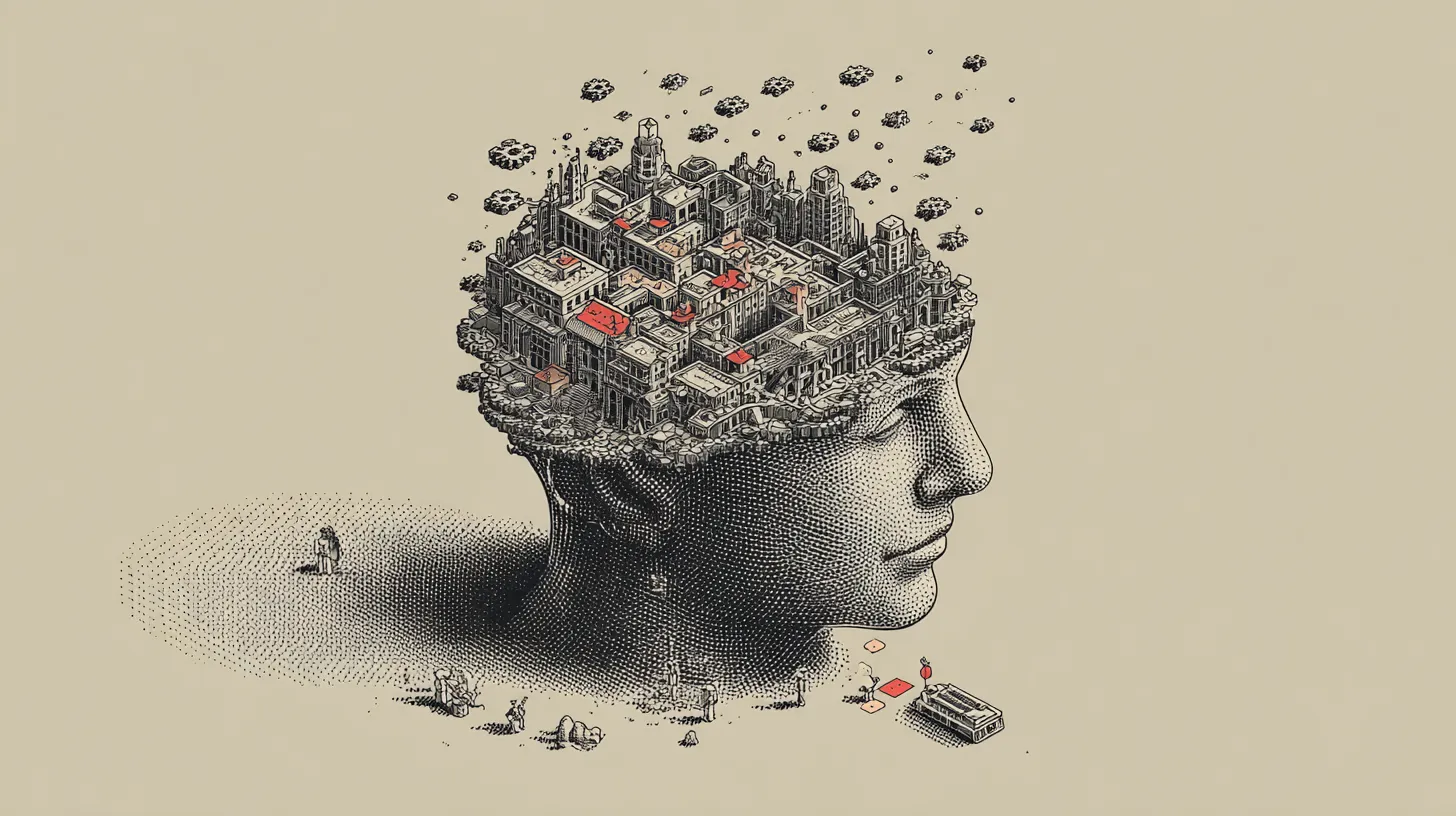
Think of it less like “chat memory” and more like giving your agent a well-organized filing cabinet full of everything you know, that it can actually search through. A library it can walk into and find the right book in, on its own.
Keep that framing close. It’s going to matter at the end.
What gets stored in it
The brain is a collection of plain text files. One per person, company, project, or idea you care about.
Each file follows a specific two-part structure. The top half is your current best understanding of something, like the main body of a Wikipedia article. The bottom half is a timestamped trail of everything that informed it, like Wikipedia’s edit history, but for your life.
Here’s what a page looks like:
---
type: concept
title: Do Things That Don't Scale
tags: [startups, growth, pg-essay]
---
Paul Graham's argument that startups should do unscalable things early on.
The key insight: unscalable effort teaches you what users actually want.
---
- 2013-07-01: Published on paulgraham.com
- 2024-11-15: Referenced in batch W25 kickoff talk
The top section gets rewritten when your understanding changes. The bottom section only ever gets added to. Never edited, never deleted. So the brain gets more accurate over time without losing the history of how you got there.
How it finds things
Your agent isn’t flipping through files one by one looking for keywords. It searches by meaning and by exact wording at the same time, then merges the best hits from both.
It also clocks what kind of question you’re asking. “What do I know about this person?” gets answered differently than “When did this happen?” The system decides which flavor of question it is before it even starts looking, so you get the right kind of answer instead of a mashup.
Here’s why that matters. The whole point of a brain is that the right thing surfaces when you need it. A search that just matches words will drown you in noise. A search that understands intent is the difference between a useful agent and a confident liar.
The whole thing runs locally. No server needed to start. When your file count gets big enough that local starts feeling slow, you can swap in a managed database. Most people won’t hit that for a long time.
How people get added to the brain
This part is automatic, which is one of the more useful design decisions.
First mention
Stub page created
Someone gets mentioned once anywhere (email, note, meeting). A basic page gets created. No manual tagging.
3 mentions across different sources
Automatic enrichment
The brain goes and pulls in web and social context on its own. The page builds itself.
Meeting or 8+ mentions
Full profile
Deep context, relationship history, everything. The people who matter most get the most detail, automatically.
How it fits with gstack and OpenClaw
If you’re new to this whole stack, here’s the map:
The three layers. gstack is the playbook. OpenClaw runs the agents. g-brain is what they know.
Workflow layer
gstack
How Garry runs his work with agents. Skills, review loops, shipping rituals. The operating playbook.
Runtime layer
OpenClaw
The always-on agent gateway. Where your agents actually run. Channels, schedules, tools, sessions.
Knowledge layer
g-brain
What your agent can look up. People, companies, ideas. The context that compounds.
Three ways to set it up
If you’re already on OpenClaw or Hermes
Paste this into your agent:
Retrieve and follow the instructions at:
https://raw.githubusercontent.com/garrytan/gbrain/master/INSTALL_FOR_AGENTS.md
The agent handles the whole install. You answer questions about API keys. About 30 minutes.
If you want to try it standalone first
git clone https://github.com/garrytan/gbrain.git && cd gbrain
bun install && bun link
gbrain init
gbrain import ~/notes/
gbrain query "what themes show up across my notes?"
Starts up in a couple of seconds. No server needed.
If you use Claude Code, Cursor, or Windsurf
{
  "mcpServers": {
    "gbrain": {
      "command": "gbrain",
      "args": ["serve"]
    }
  }
}
For Claude Code, add this to ~/.claude/server.json. For Cursor, it’s Settings > MCP Servers. This path works without OpenClaw or Hermes.
Seven integrations for pulling data in: Gmail, Google Calendar, X/Twitter, Twilio (voice), Circleback (meeting transcripts), and a couple of infrastructure options for remote access.
What to know before you clone it
The fancy stuff depends on your model. The search and storage are solid. The smarter behaviors (the brain rewriting its own summaries when it learns something new, for example) are instructions the AI reads and follows, not code that runs on its own. Whether they work well depends on which model you’re using.
You need a frontier model. Garry’s setup runs on Claude Opus 4.6. Weaker models don’t follow the multi-step instructions reliably. That’s real API cost on top of everything else.
The benchmarks are small-scale. Internal tests show strong search accuracy on a 29-page test set. Garry’s real brain is 17,888 pages. How it performs at that scale hasn’t been published.
It’s v0.10.1. Active development, shipping fast, some rough edges. One independent review flagged a potential bug in how it handles multiple simultaneous writes. Worth knowing if you’re building something production-critical on top of it.
Who should actually set this up
Set it up if
You already have a persistent agent running and you want it to actually know your world.
Especially useful if you’re tracking long-term relationships, deal history, or years of accumulated notes. You need OpenClaw or Hermes, a frontier model, and comfort with a command line.
Not your next step if
You don’t have a persistent agent set up yet, or you just want slightly better chat memory.
Get the runtime working first. g-brain is the layer that makes a working agent better. It’s not a shortcut to having one.
My take
Two things stick.
The first is that file format. Wikipedia article on top, edit history on the bottom. Current knowledge gets updated; the evidence trail never gets deleted. That’s a meaningfully different design than a notes app or a chat history. It’s built for an agent that’s supposed to get more useful over time, not just more full.
The second is the part most posts about gbrain are getting wrong. gbrain is not memory. It’s a library.
Memory encodes why something matters, to whom, and how that changes. A library holds facts and opinions you’ve pre-sorted so an agent can find them quickly. Those are different problems. Confusing them leads to people expecting gbrain to do things it was never designed to do, then concluding it’s broken.
Treat it like a library and it’s useful from day one. Treat it like memory and you’ll be disappointed.
The tradeoff worth naming: the features that make the brain feel self-maintaining rely on a frontier model doing exactly what the prompts tell it to. The storage and search are solid. The intelligence layer is only as good as the model running it.
Garry calls this the Altair BASIC era of AI agents. That’s the right frame. The rough edges are real. The direction is also real. The founders who set this up now will have five years of context compounding while everyone else is still paying a monthly fee for chat memory that resets every session.
For founders running serious agent infrastructure, this is worth the setup time. For everyone else, get the runtime solid first, then add the brain.

Written by
Cathryn Lavery
Cathryn went from designing buildings to architecting products. She founded BestSelf, bought it back from private equity in 2024, and rebuilt it AI-native. She's currently building something new in AI. Little Might is where she doesn't have to keep it all in her head.
Related reading
-
Apr 20, 2026
How I Rebuilt My AI Agent Team After Anthropic Cut Off OpenClaw
-
Apr 6, 2026
The Garry Tan Stack: A Definitive Guide to gstack
-
May 21, 2026
Why We Need to Build a Second Internet for Our Agents
-
May 5, 2026
How to Give AI Agents Real Access Without Risking Your Data
-
Apr 4, 2026
AI Automation Examples: 9 Specific Business Cases (With Real Numbers)